Request a Callback

+971 43801666
 Aug 27, 2026
|
Quick Answer The top 8 Project Management tools every project manager must master in 2026 are:
|
The evolution of project management has been massive over the last decade. Global collaboration, remote teams, and rapid product cycles are the current norm in project management. Therefore, project managers today rely more on digital technology to oversee their projects and deliver them successfully.
The importance of project management certification (PMP) has also increased as companies are searching for professionals with updated skills and knowledge.
|
"Execution without discovery is just efficient waste. The best teams in 2026 aren't just shipping fast; they are shipping the right things." Source: Laneapps |
In this blog, we’ll explore the top 8 project management tools every project manager should master in 2026, along with their key features, benefits, and best use cases.
| Table of Contents |
| 1. Why are Project Management Tools Essential in 2026? 2. Which 8 project management tools should managers learn in 2026? 3. How to Choose the Right Project Management Tool? 4. Benefits of Mastering Project Management Tools 5. Which Project Management Tool Should You Choose? 6. Future Scope of Project Management 7. Conclusion 8. FAQs |
Project management tools are essential because modern projects globally have many components, such as multiple teams, timelines, and interdependencies. Without the necessary structural protocols, it will not be easy to control these variables.
Project management software helps you:
It is a common practice for companies from different sectors to use project management platforms such as Trello, Asana, and Jira to manage their projects effectively.
|
What are Project Management Tools? Project management tools are digital platforms that help teams plan, track, collaborate, and deliver projects efficiently. These tools allow project managers to manage tasks, deadlines, resources, and communication in one centralised system. |
Want to know the basics of project management? Read our detailed blog: “What is Project Management”.
Let's examine the top project management tools for managers in Dubai.
|
Project Management Key Statistics Global demand for project professionals could reach 58.5 million by 2035, up from about 39.6 million in 2025, showing massive growth in the project economy. The world may face a talent shortage of nearly 30 million project professionals by 2035, creating huge opportunities for skilled project managers. |
In 2026, project managers need powerful project management tools to plan tasks, collaborate with teams, and track project progress efficiently.
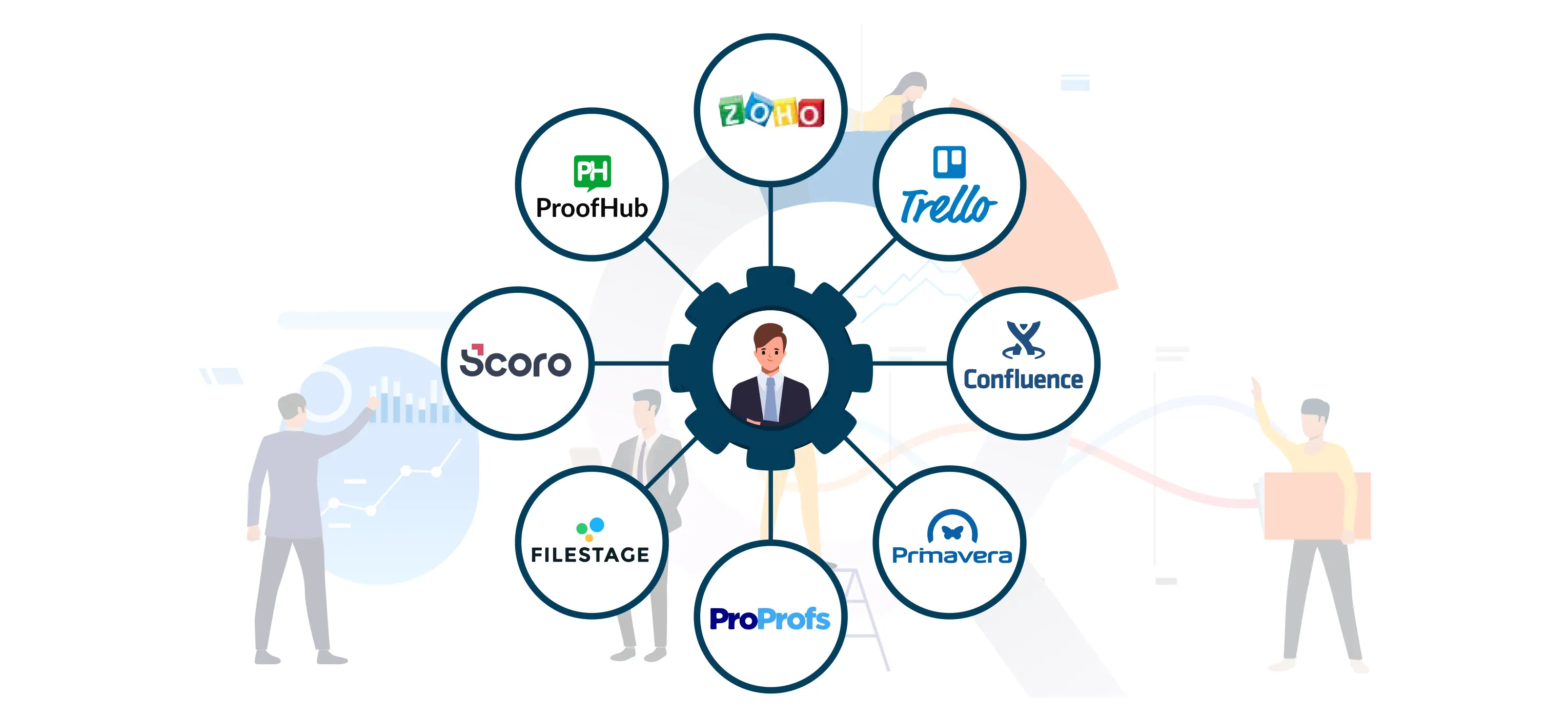
The best 8 project management tools every project manager should learn are:
Trello is one of the most beginner-friendly project management tools available today, which uses a Kanban-style visual board system, making it easy to track tasks and workflows.
The key features of Trello in project management are:
The major reasons why Trello is among the top tools for managing projects effectively are:
The price and monthly plans available in Trello are:
|
Plan |
Approx. Price per Month (USD) |
Best For |
|
Free |
$0 |
Individuals and small teams |
|
Standard |
$5 |
Small teams managing projects |
|
Premium |
$10 |
Growing teams needing advanced views |
|
Enterprise |
$17.50 |
Large organizations |
Trello’s project management visual interface allows teams to quickly understand project progress without complex training.
Asana is a powerful project management platform designed for teams that need structured planning and task tracking.
The key features of Asana project management software are:
Asana is best for the following teams:
The monthly price and plans available in Asana are:
|
Plan |
Approx. Price per Month (USD) |
Best For |
|
Personal (Free) |
$0 |
Individuals and small teams |
|
Starter |
$10.99/month |
Growing teams managing projects |
|
Advanced |
$24.99/month |
Companies managing multiple projects |
|
Enterprise |
Custom quote |
Large organizations |
Asana excels at managing complex projects with multiple stakeholders while keeping communication clear and organised.
Jira is an agile tool developed by Atlassian. Jira is widely used in software development teams and agile project management.
The key features of Jira as a project management platform are:
Jira is best suited for the following teams:
|
Plan |
Monthly price |
User limit |
Key Features |
|
Free |
$0 |
Up to 10 users |
Scrum & Kanban boards, backlog management, basic reporting, 2 GB storage |
|
Standard |
$20 |
Up to 50,000 users |
Advanced permissions, audit logs, 250 GB storage, automation rules |
|
Premium |
$51.42 |
Up to 50,000 users |
Advanced roadmaps, sandbox environment, unlimited storage, 24/7 support |
|
Enterprise |
Custom pricing |
Large enterprises |
Cross-site analytics, advanced security, 99.95% SLA, enterprise governance |
Jira is considered the industry standard for agile project management, especially for engineering and product teams.
ClickUp is an all-in-one productivity platform designed to replace multiple project management tools.
The key features of ClickUp in project management are:
The offers and plans provided by ClickUp are:
|
Plan |
Approx. price per month (USD) |
Best for |
|
Free Forever |
0 |
Individuals & small teams |
|
Unlimited |
$7/month |
Small teams and startups |
|
Business |
$12/month |
Growing companies |
|
Enterprise |
Custom quote |
Large organisations |
ClickUp combines project management, documentation, and productivity tools in a single platform, making it highly versatile.
Monday.com is a highly visual work management platform used by companies worldwide.
Monday.com uses a pricing structure that depends on the number of seats and the features offered:
|
Plan |
Approx. price per month (USD) |
Best For |
|
Free (individual) |
$ 0 |
Individuals or freelancers |
|
Basic |
$ 9/month |
Small teams managing simple projects |
|
standard |
$12/month |
Growing teams need automation and integrations |
|
Pro |
$19/month |
Advanced project management and reporting |
|
Enterprise |
Custom quote |
Large companies and enterprise teams |
Its flexible workflows and visual dashboards make it easy to manage complex projects across departments.
Microsoft Project is a traditional but powerful project management tool used by many enterprises.
The key features of Microsoft Project are:
The monthly rates and plans available in Microsoft Project are:
|
Plan |
Price (USD per month) |
Major Function |
|
Project Plan 1 |
$10/month |
Basic task & project tracking (web version) |
|
Project Plan 3 |
$30/month |
Professional project managers (desktop + web) |
|
Project Plan 5 |
$55/month |
Enterprise portfolio & resource management |
Despite newer tools entering the market, Microsoft Project is still trusted for large-scale project planning and forecasting.
Notion has rapidly gained popularity as a flexible workspace for project management, documentation, and collaboration.
The key features of Notion as a project management tool are:
|
Plan |
Monthly Price (AED) |
Focus Group |
|
Free |
$0 |
Individuals & personal use |
|
Plus |
$12/month |
Small teams & professionals |
|
Business |
$24/month |
Growing companies & collaboration |
|
Enterprise |
Custom quote |
Large organizations |
Notion allows teams to combine documentation, project management, and collaboration in one workspace.
Smartsheet is a spreadsheet-style project management tool with powerful automation and reporting capabilities.
The key features of Smartsheet for project management are:
The monthly price and available plans are:
|
Plan |
Monthly Price (USD) |
Best For |
|
Pro |
$9/month |
Individuals and small teams |
|
Business |
$19/month |
Growing teams and companies |
|
Enterprise |
Custom quote |
Large organisations |
|
Advanced Work Management |
Custom quote |
Enterprise portfolio management |
It provides the familiarity of spreadsheets combined with advanced project management capabilities.
Here comes the importance of PMP Professional training, which holistically covers each project management tool.
To know more about the importance of PMP certifications, go through our blog “PMP Certification Benefits.”
Not every tool works for every team. When choosing a platform, consider these factors:
Small teams may prefer simple tools like Trello, while larger organisations might need Monday.com or Smartsheet.
Complex projects require advanced features like Gantt charts, resource allocation, and workflow automation.
Some tools offer free versions, while enterprise solutions can be expensive, which can be customised according to your needs.
Ensure the tool integrates with your existing software ecosystem; teams can get confused, which can lead to delays in workflow.
Adoption across your team is crucial for success, so the project management tool used must be easily used by the team.
|
Global Project Management Statistics, 2026
Sources: PMI Talent Gap Report, World Economic Forum. |
Learning how to use modern project management tools offers several professional advantages, such as:
The right choice of project management tool depends on what your need is.
Project management tools have become essential for modern teams globally in 2026, driven by hybrid work models and AI-powered workflows.
Some of the most widely used project management tools in 2026 include Trello, Asana, Jira, ClickUp, Monday.com, and Smartsheet. These tools help teams plan tasks, track progress, automate workflows, and collaborate efficiently on projects.
Trello is often considered the best project management tool for beginners because of its simple drag-and-drop Kanban boards and easy task management features. It allows teams to organise projects visually without requiring advanced technical knowledge.
Many companies prefer hiring professionals with the Project Management Professional (PMP) Certification because it demonstrates expertise in managing projects, teams, and resources effectively. PMP-certified managers often receive higher salaries and better career opportunities.
Most teams globally spend about $10-$15 per user per month on average for project management tools, depending on features and scale.
Industries such as construction, IT, finance, logistics, and digital marketing heavily rely on project management tools globally. These sectors manage complex projects and require efficient planning, tracking, and collaboration.
In addition to mastering tools like Jira and Smartsheet, project managers should develop skills in leadership, risk management, communication, budgeting, and agile methodologies to successfully deliver projects.